Monday, July 21, 2014

You're a Hoot! PPbN Designs layout file


Hello everyone, Janice here from Craft Place to show you how I plan a layout and sometimes decide to change things. I always take a picture before I glue down my pieces to see if I like how I have things laid out.
 I decided I needed a moon behind the owl so I went into my Silhouette Design Studio and I just made a circle and pulled it off the page a little bit and cut.

 I put pop dots behind the owl and some of the flowers to give  added dimension to my page.
 I added some accents to my words and some of the flowers to make them pop a little.

You can find the file You're a Hoot here

Materials used:
You're a Hoot file
2 base papers
2 pinks
3 browns
2 yellow/orange
1 turquoise
3 greens
Scotch tape runner
Scotch Quick-Dry Adhesive
pop dots 
White Signo pen

Sunday, July 20, 2014

Summer Wreath

Hello Everyone! My Mom asked if I would create a new wreath for her front door and of course I said yes!! I used a standard straw wreath as the base and used the PPbN flowers file to create all of the flowers. I love this wreath and I cannot wait to make some others for the upcoming holidays! 
Have a great day!

Thursday, July 17, 2014

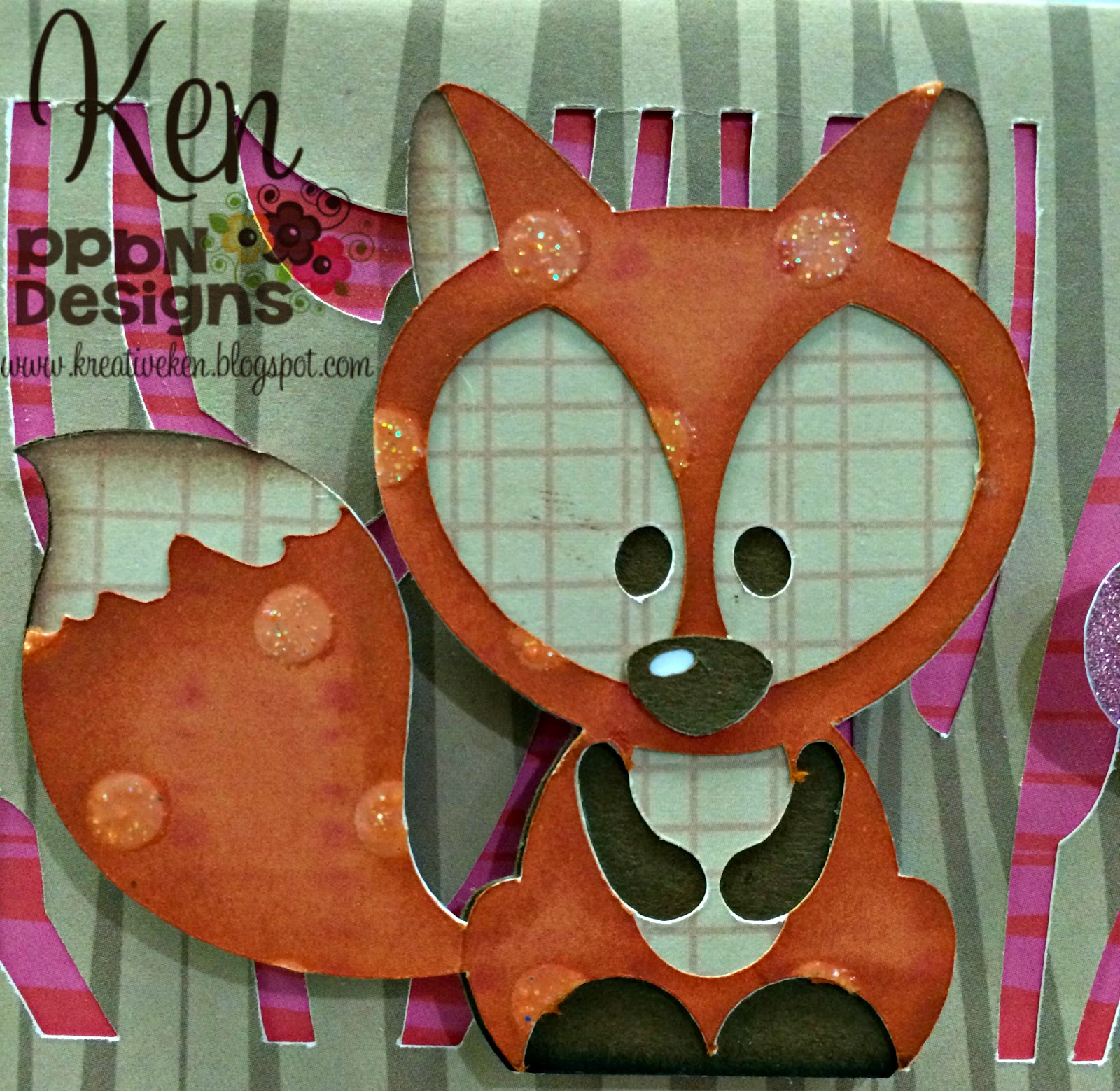
YOU'RE A FOX

Hey Everyone! Ken here with Ken's Kreations. I just love how easy it is to create cards in Design Space using my Cricut Explore. I wanted to show you a project I created with my Cricut Explore and one of my favorite PPBN Design files. You can find all the links to all of the supplies and website below the video to this project. Just a little FYI....the Cricut Explore in the supply list below is only 269.99 for the amazing bundle which comes with the machine, three mats and the tool set!!

I had to make one last thank you card at my work so this time I wanted to make a video showing you peeps just how I did it. In this video I will show you the entire process from start to finish. I will show you the product I used, the design phase, and the construction phase. 


Here is the finish result! I hope you enjoyed the video and I hope your card turned out just as FOXY!!  For a complete list of supplies and the links to get them head to the bottom of the page and follow the links!! 

Thanks for taking a look at today's Kreation. Come back tomorrow to see what Kreation I come up with next!


SUPPLY LIST
LINKS WILL TAKE YOU TO PRODUCT PAGE

DESIGNS: PPBN FOX, SIMPLE CARDS

**For the card base you can either buy the SIMPLE CARDS OR  a much better option is to sign up for the subscription service like  I did in the video which will unlock 25,000 + images**

CLICK HERE TO GET SUBSCRIPTION FOR ONLY 9.99 AND UNLOCK 25,000 + IMAGES

Wednesday, July 16, 2014

Time for Some Magnet Fun!

Welcome to the Wednesday project here at PPBN Designs blog. Diane here today sharing the little ponies svg files. My little granddaughter loves playing with magnets on her board or the refrigerator so I turned her favorite characters right now into magnets. I used the Pink Pony, Purple Sparkle, Butterfly Pony, Rainbow Pony, and Rare Pony.  She will be so surprised when I pick her up today!!!  These are so cute and easy to do.  I just cut them with cardstock , added stickles to glam them up and placed a magnet on the back.  We love sparkles!!!  Be sure to check out these and all the other great files at PPBN Designs.  Be sure to check out the fabulous membership deal too!  Do you like free??? Well, how about 60 free images a month!!!  Look on the sidebar for details or stop by PPBN Designs.


Tuesday, July 15, 2014

Rainbowwwwwww!

Hi beautiful crafters! Another week another fun project for PPBN Designs! Did y'all see that there are currently some really fun membership options HERE!

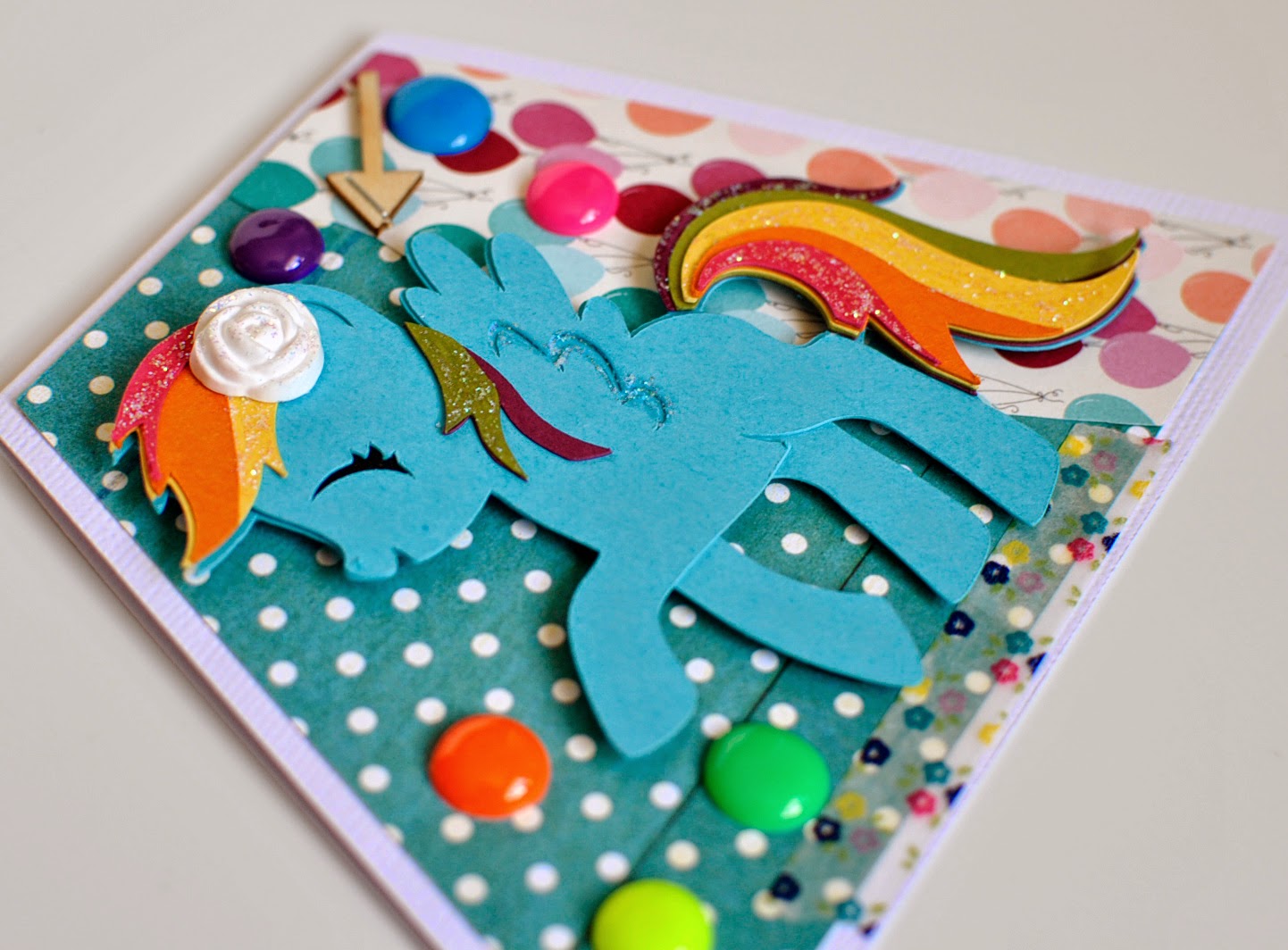
And if you haven't seen them yet Nikki came out with some adorable Pony cuts. I LOVE them and my girlies love them as well. Since I love color and rainbows I decided to turn the cutie pie 

Rainbow Pony 

into a fun card!
 One of the beautiful crafters, Deborah, posted a super cute project using glitter paper for her daughter and that inspired the stickle glitter on this pony. You can check out her amazing project HERE! Isn't her project FABULOUS! Yeah, I lub it too!
 I wanted to be sure y'all could see the tail. All of the pieces Nikki makes are so wonderful because they are so easy to put together. These just layer right on top of each other. LOVE the simplicity of them. 
Those three little beads up at the top right are actually Pony beads that sis and I melted to make into "pearl" looking gems. 

And now for an added bonus!!!

I can't very well craft without my littles crafting right along with me. Which is BY FAR the best way to spend my crafty time. When I was looking through which file I wanted to use my baby girl Aubrey (8) asked if she could please make a card as well! Of course, and because she asked so sweetly I let her pick out which file we would use. Here is her amazing project! She inspired a LOT of my design. I love when the littles can do that!
Isn't it just beautiful? She likes color about just as much as her mom! And look at how well she put together this file! Yup, they are little hand friendly cut files!!!

Thank you beautiful crafters for taking the time to read over this "wordy" post. I hope we have inspired you in some way. May you have a wonderful week!!!

Hugs and creative blessings,
Raven & Aubrey

Monday, July 14, 2014

Zoo Layout

Happy Monday!


Our zoo is on a mountain side and the view is so gorgeous but today I am only going to show you the giraffe enclosure. This is so different because we fed the giraffes lettuce and you could pet them, take your picture with them and even have them lick you. For this layout I used the Through Thick and thin file. I inked my edges with powder puff chalking ink.
 For the eyes I used a uni ball Signo white pen for the white areas, the blue accent is a colored pencil. For the lashes I used a black colored pencil to draw a black line around part of the eye and smudged it with a paper nib and odorless mineral spirits (both can be found at Michael's) and the the lashes are drawn on with a .05 black marker.( I use Prismcolor brand).

 This title was made using fonts from my computer and a mountain from the Silhouette store.

Sunday, July 13, 2014

Happy Birthday!

Hello Everyone! First I would like to introduce myself. My name is Christopher Alan and I am the designer and creator of Christopher Alan Designs. I create YouTube tutorials and designs for die-cutting machines. I am super excited to be a Design Team Member for PPBN Designs! This card was actually created for my sister's fiance. She wanted a super fun card for her future gaming husband :) I used some fun papers and my Cuddlebug machine to achieve the background! I love this image set as it includes multiple images not just the game controller I have shown below :) 

Have an amazing day!